
Your TCG companion
A native iPhone and iPad app for trading card games, one to four players.
Instant counters
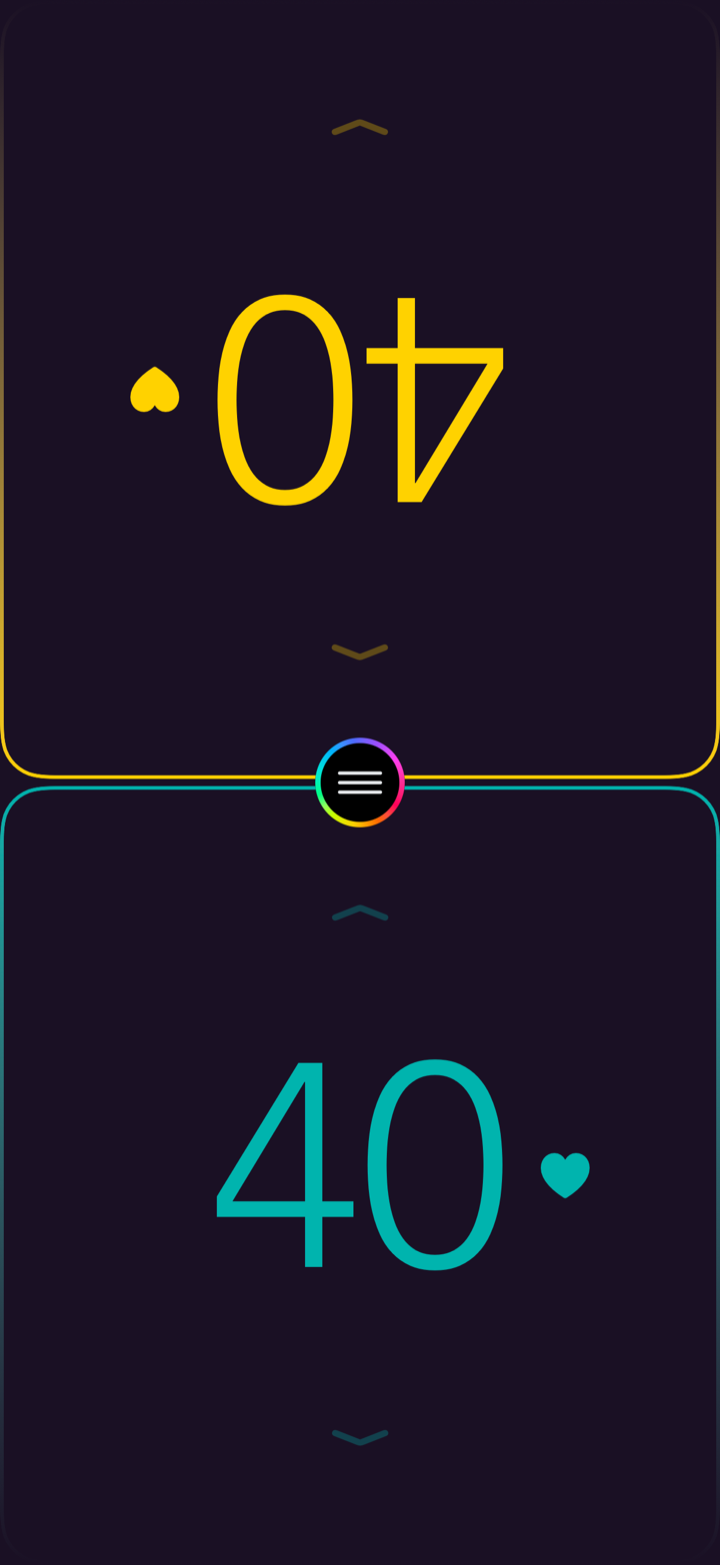
Tap a counter to change a life total. Numbers stay large and legible across the table, and each player gets their own color.
Track what matters
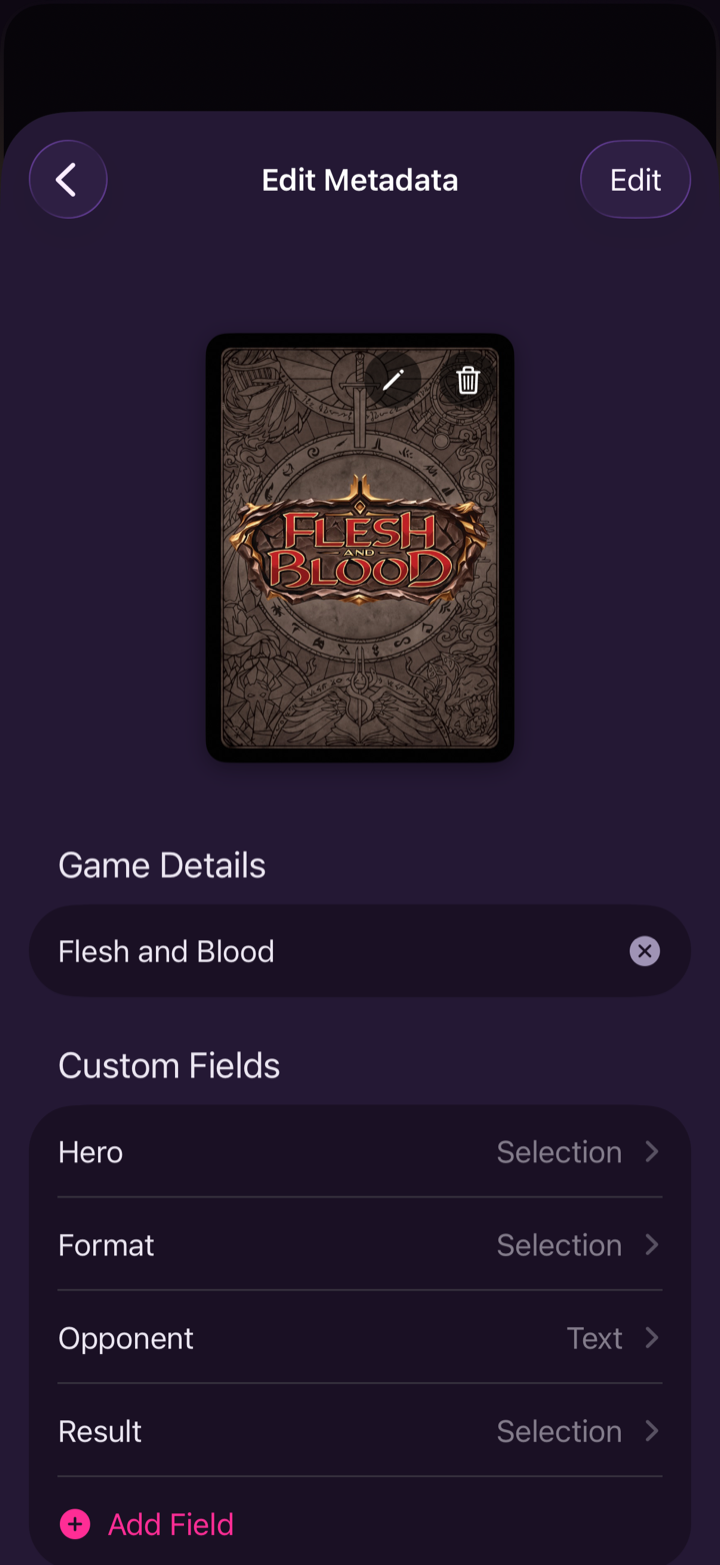
Define the fields your game needs — hero, format, opponent, result — and fill them in with each match. Set up Flesh and Blood, Magic, or a format of your own.
Everything happens on the counter
The common actions are gestures on the counter itself, so you're not opening menus mid-game.
Tap
Tap the top half to add, the bottom to subtract — one at a time.
Tap & hold
Press and hold to run the total up or down fast.
Two-finger tap
Two fingers jump the total by 2, 5, or 10 — whichever you choose.
Swipe up
Swipe up on a counter to recolor it on the fly.
Hold & drag
During setup, hold and drag a counter to set its starting life.
1 to 4 players
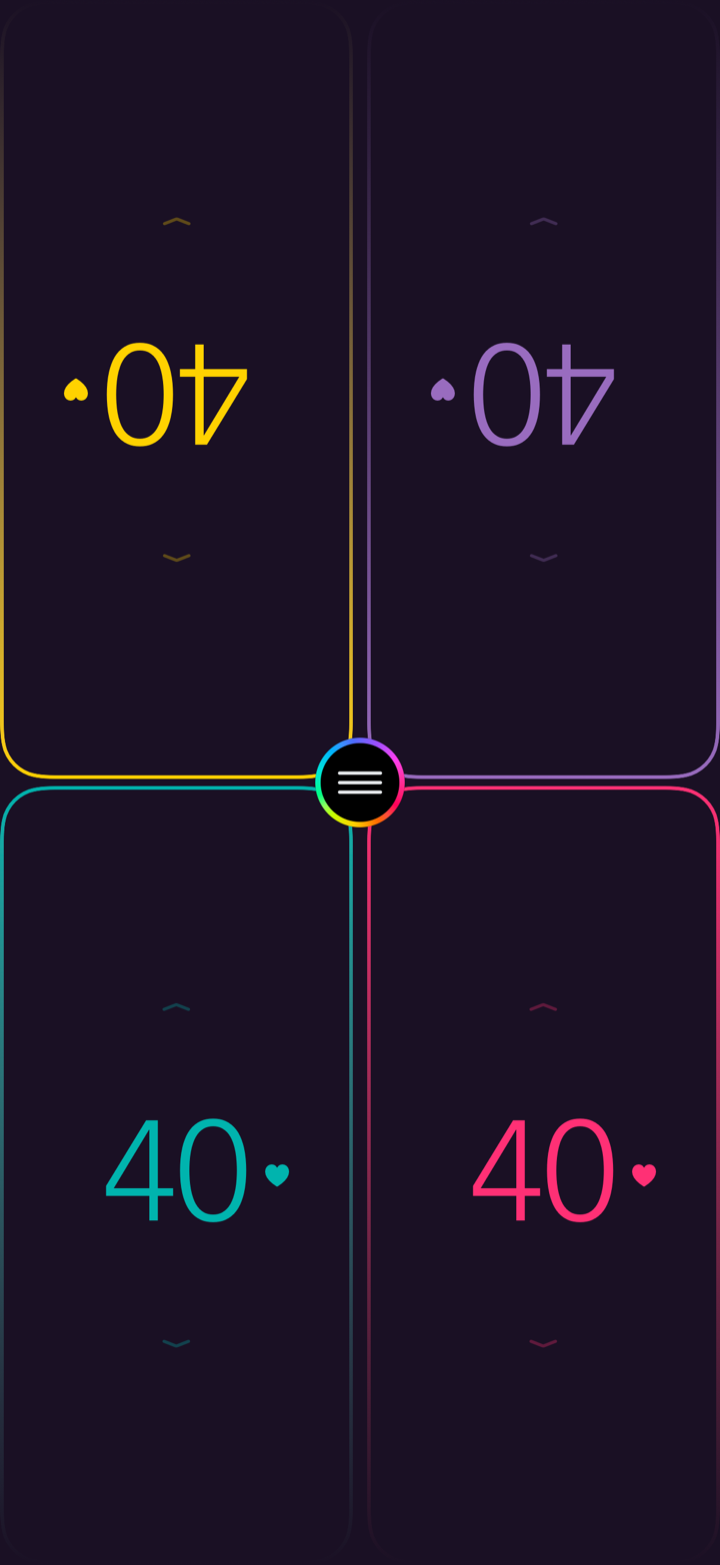
Layouts adapt from a single counter to four seats around one device. Turn on Shared View and each counter angles toward its player.
Eight themes
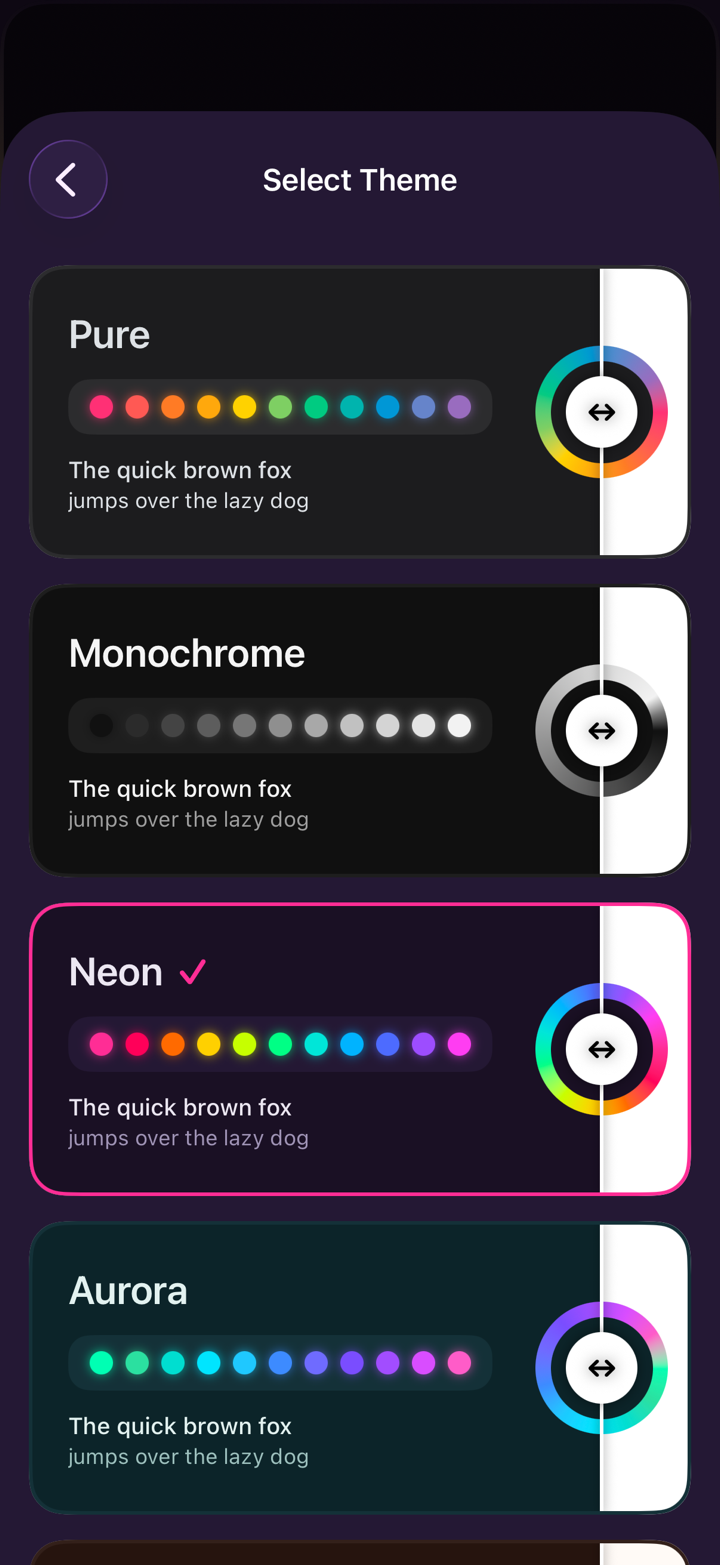
Pure, Monochrome, Neon, Aurora, Sunset, Synthwave, Retro, and Tavern — plus a light or dark setting that can follow the system.
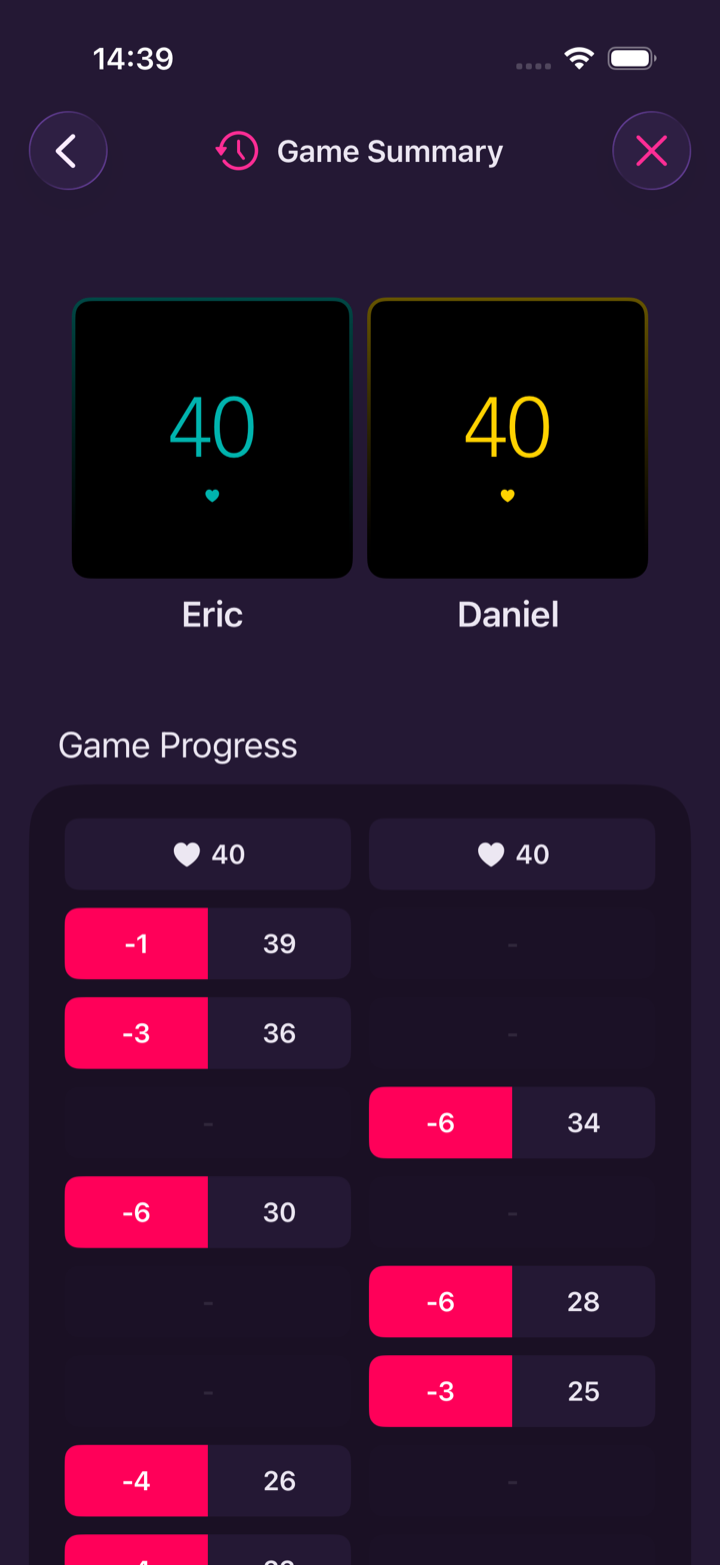
A summary of every game
Each game ends with a Game Summary: who played, who went first, and a timeline of every life change. History syncs through your iCloud and exports to a file.
Support
Questions, bug reports, feature requests — all welcome. Reach the developer directly and expect a reply within a couple of business days.
Privacy
TCG Copilot keeps data on-device. Match history and settings sync through your own iCloud account by default, and you can turn sync off at any time. Nothing is sold or shared with third parties.